Online Security: Learn 5 Essential Tips from Cyber Threats
Online security is the foundation of everything you do digitally — from banking and shopping to communicating and working. Criminals exploit gaps in personal and business online security every day. This guide covers the five essential protections that defeat the vast majority of cyber threats.
⚡ Quick Summary — Online Security
- What it covers: online security is the set of habits, tools, and practices that protect your devices, accounts, data, and money from cybercriminals, phishing attacks, malware, and fraud
- Why it matters: cybercrime costs consumers and businesses billions annually; most successful attacks exploit basic online security failures that are entirely preventable
- The five essentials: strong unique passwords with a password manager, two-factor authentication on all accounts, software and device updates, phishing awareness, and credit monitoring
- How threats reach you: phishing emails, smishing texts, malware downloads, fake websites, data breaches, social engineering, and unpatched software vulnerabilities
- The golden rule: most online security failures are human rather than technical — the majority of successful attacks exploit habits that a few straightforward changes can permanently close
⚠️ Already Clicked a Suspicious Link or Entered Details?
If you clicked a phishing link and entered credentials, change your password on that account immediately and enable two-factor authentication. If you entered card details, contact your bank using the number on the back of your card. Report phishing to the NCSC at ncsc.gov.uk (UK) or the FTC at reportfraud.ftc.gov (US). Then jump to the What to Do If You Have Been Targeted section.
📋 Table of Contents
- What Is Online Security?
- How Cybercriminals Exploit Online Security Gaps
- Online Security Warning Signs
- The 5 Essential Online Security Protections
- Real Stories: When Online Security Made the Difference
- What Authorities Say
- How to Build Your Online Security
- What to Do If You Have Been Targeted
- Where to Report It
- Frequently Asked Questions
- Related Scam Guides
What Is Online Security
Online security — also called cybersecurity at the personal and organisational level — is the combination of habits, tools, and settings that protect your digital life from unauthorised access, fraud, data theft, and malware. It covers every device you use (phone, laptop, tablet), every account you hold (email, banking, social media), and every transaction you make online.
Online security is not primarily a technical discipline for IT professionals. The majority of successful cyber attacks against consumers exploit simple failures: reused passwords, unpatched software, clicking phishing links, and ignoring account alerts. Addressing those four habits closes the door on most attacks before they reach the more technical layer.
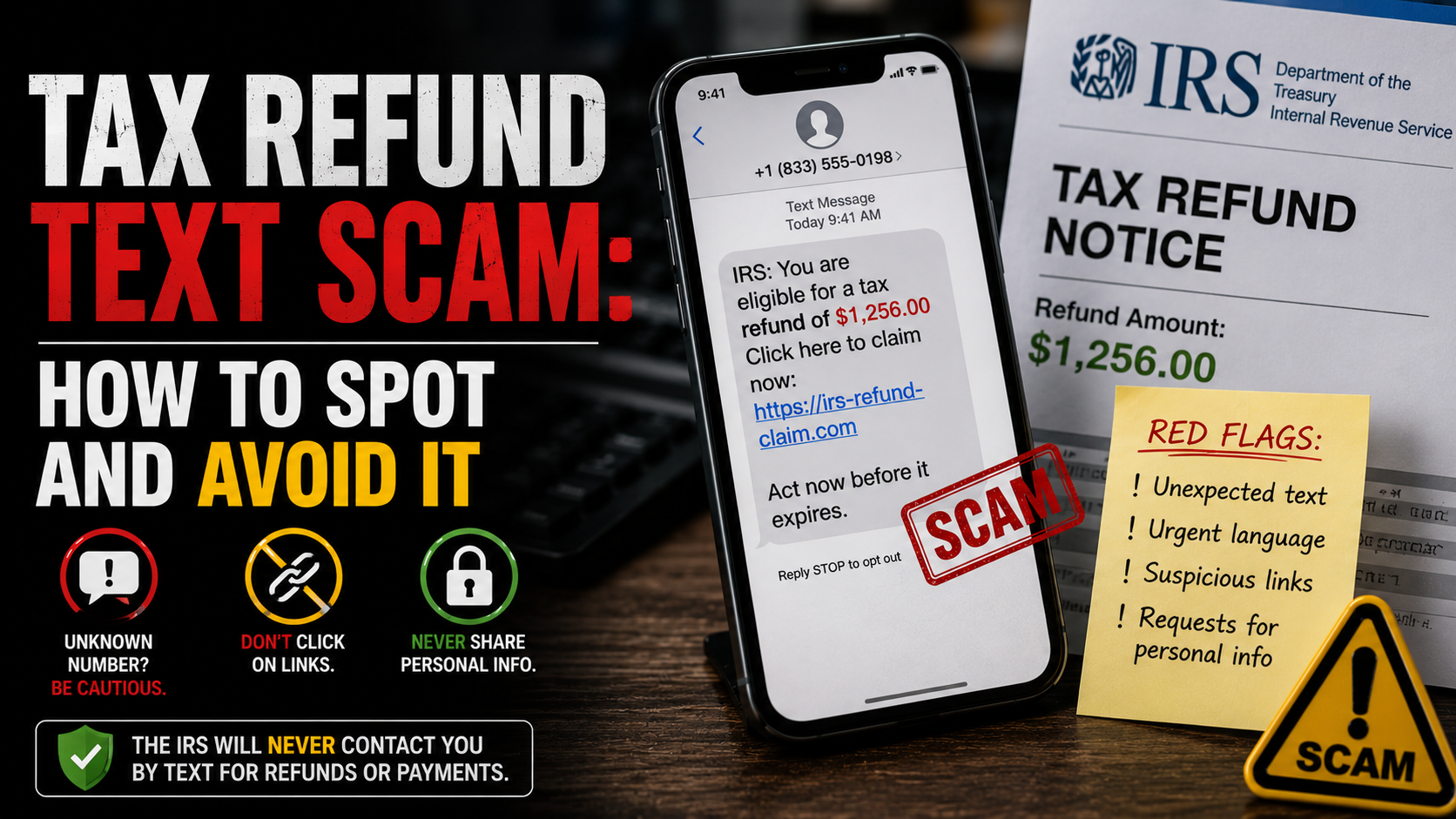
The online security landscape has changed significantly in recent years. Phishing emails are now AI-generated and grammatically perfect. Smishing texts impersonate toll agencies, banks, and delivery companies at scale. Data breaches expose credentials that criminals test across dozens of other accounts. Deepfake audio and video are used in fraud against businesses and individuals alike.
Despite these advances, the core online security principles remain consistent and accessible. Strong unique passwords, two-factor authentication, regular updates, phishing awareness, and credit monitoring address the vast majority of real-world attacks. This guide covers each in depth, alongside the threat types they defend against. For threat-specific detail, see our guides on phishing scams and identity theft scams.
How Cybercriminals Exploit Online Security Gaps
Understanding how criminals exploit online security gaps helps you prioritise which protections matter most. The attack methods below account for the vast majority of consumer cybercrime losses.
Credential Stuffing
When a data breach exposes millions of username-password combinations, criminals buy those lists and test them automatically against hundreds of popular services — banking apps, email providers, shopping sites, crypto exchanges. If you reuse passwords across accounts, one breached site can cascade into dozens of account takeovers. Online security against credential stuffing requires a unique password for every account — practically only achievable with a password manager.
Phishing and Smishing
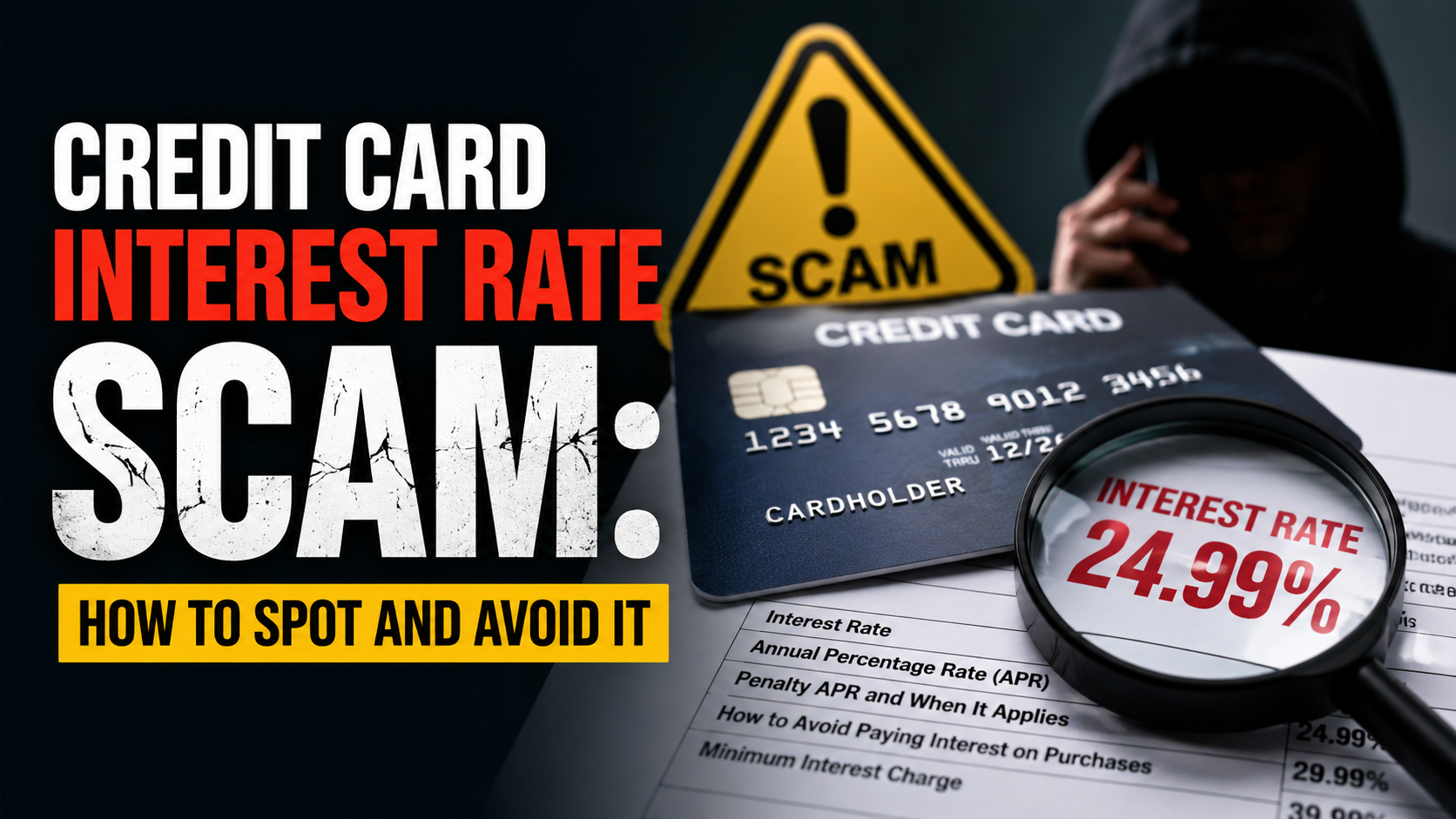
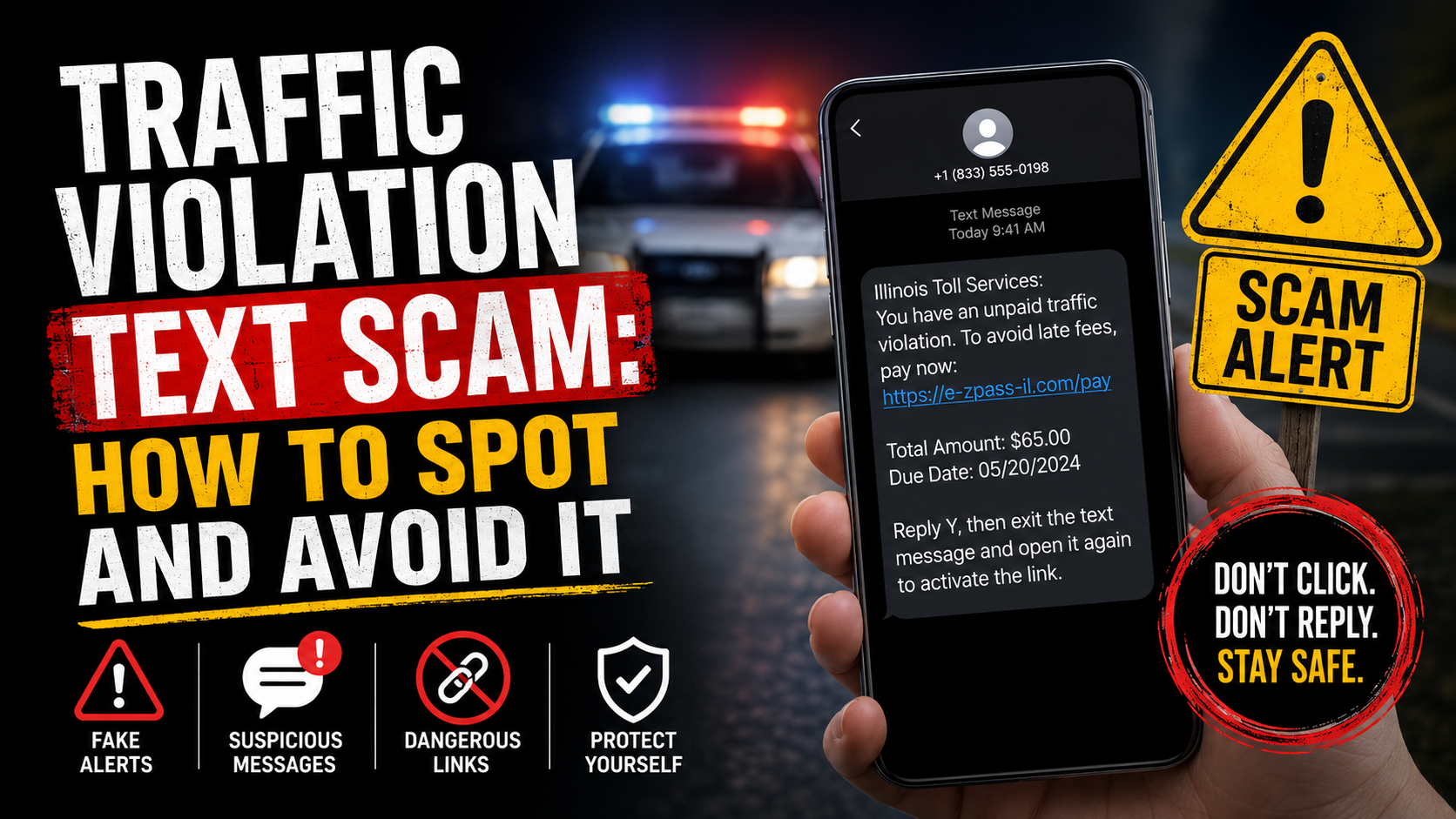
The most common online security threat by volume. A convincing email or text message impersonates a bank, a delivery company, a toll agency, or a government department and contains a link to a fake login page that harvests your credentials. Modern phishing messages are AI-generated, grammatically correct, and visually identical to genuine communications. The defence is never clicking links in unsolicited messages — always typing the official URL directly into your browser.
Malware and Ransomware
Malicious software installed through phishing links, fake downloads, or unpatched software vulnerabilities can steal passwords, encrypt files for ransom, or silently monitor activity. Online security against malware requires keeping operating systems and applications patched (updates close the vulnerabilities malware exploits), using reputable security software, and avoiding downloads from unverified sources.
Social Engineering
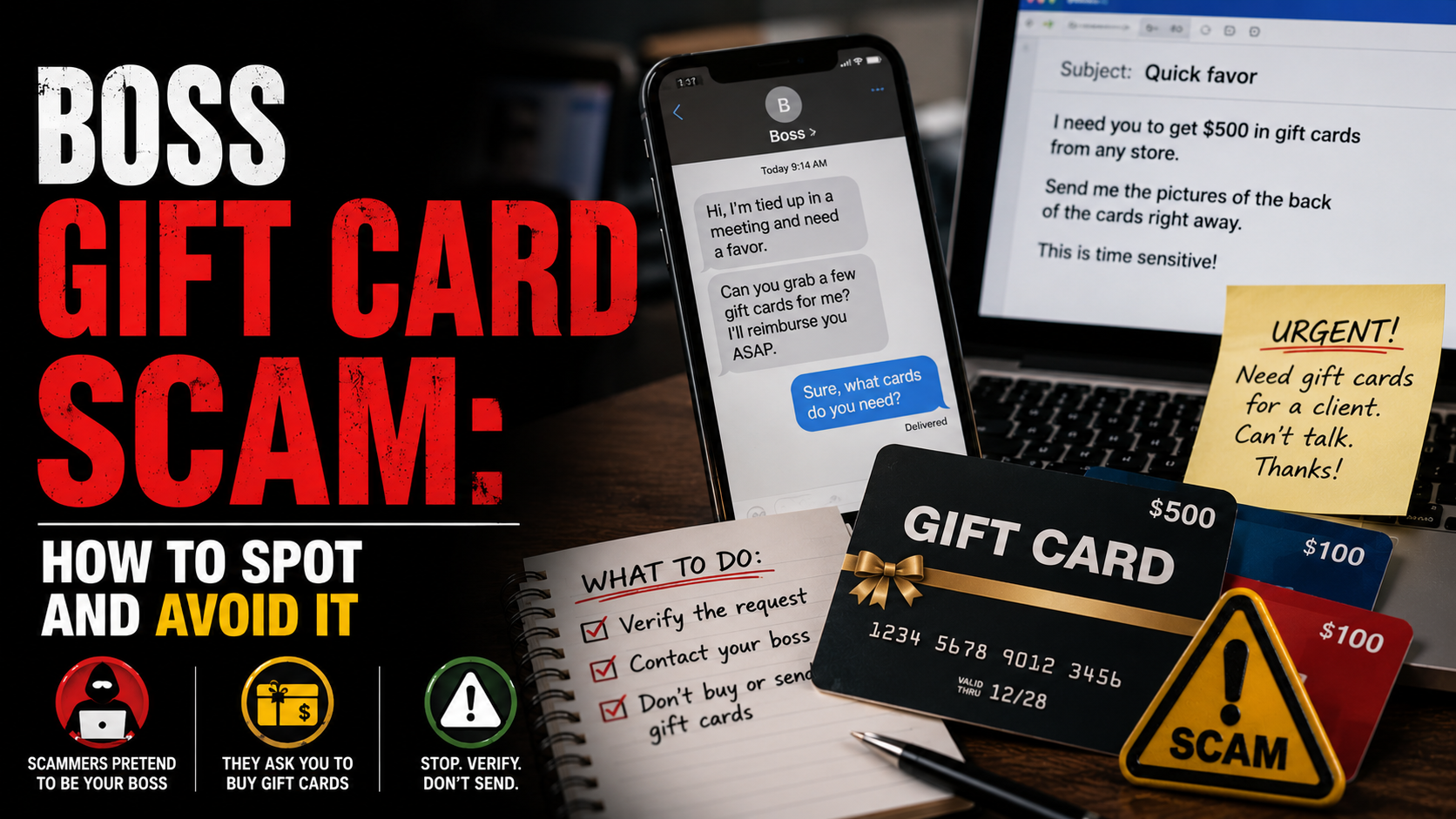
Criminals impersonate banks, tech support teams, government departments, or colleagues to trick victims into revealing credentials, authorising payments, or installing remote-access software. Social engineering exploits trust rather than technology — the defence is knowing that no legitimate organisation will call you unexpectedly and demand immediate action without allowing you to verify through independent channels.
Unpatched Software Vulnerabilities
Software vulnerabilities are discovered constantly. When developers release security patches, they simultaneously publish what the vulnerability was — giving criminals a roadmap for attacking systems that have not yet updated. Delaying software updates directly weakens your online security by leaving known attack paths open.
Public Wi-Fi Interception
Unencrypted public Wi-Fi networks allow attackers on the same network to intercept traffic. This is particularly relevant for accessing banking or email on café or airport Wi-Fi. A VPN encrypts your traffic on any network, removing this online security vulnerability for mobile users.
Online Security Warning Signs
🚩 Signs Your Online Security May Have Been Compromised
- 1. Unexpected password reset emails. If you receive a password reset notification you did not request, someone may have tried to access your account. Change your password immediately and enable two-factor authentication. This is one of the earliest online security warning signs of a credential compromise.
- 2. Logins from unfamiliar locations. Most email and banking services show recent login activity. If you see logins from countries or devices you don’t recognise, your account may have been accessed without your knowledge. Check account security settings immediately.
- 3. Unexpected account charges or transfers. Fraudulent card charges or bank transfers are the financial consequence of compromised online security. Set up transaction alerts on all accounts so any unauthorised activity surfaces within minutes.
- 4. Friends report receiving suspicious messages from you. If your contacts report receiving unusual links or requests from your accounts, your email or social media may have been compromised. Change your passwords and check for forwarding rules or connected apps you did not authorise.
- 5. Your device is slower or behaving unexpectedly. Malware often runs in the background, consuming resources, displaying unexpected ads, or causing unexplained crashes. This can be an online security indicator that your device has been compromised.
- 6. You appear in a data breach notification. Services like HaveIBeenPwned.com check whether your email appears in known data breaches. A breach notification means your credentials may be circulating in criminal markets — change affected passwords immediately.
- 7. You receive an unexpected two-factor authentication code. A 2FA code arriving when you did not log in means someone knows your password and is attempting to access your account. Change the password immediately and check recent login activity.
- 8. Unfamiliar applications or browser extensions. Software installed without your knowledge — particularly remote access tools or browser extensions — can be a sign of malware or a compromised device. Online security hygiene includes regularly reviewing installed applications.
The 5 Essential Online Security Protections
5 ProtectionsThese five protections address the majority of real-world online security threats to consumers. Implementing all five significantly reduces your attack surface across every device and account you use.
Password Manager + Unique Passwords
The foundation of online securityTwo-Factor Authentication (2FA)
The second lock on every doorSoftware and Device Updates
Closing the vulnerability doorPhishing Awareness
The human firewallCredit Monitoring and Alerts
The early warning systemReal Stories: When Online Security Made the Difference
The Reused Password That Unlocked Everything
A freelance designer in Manchester used the same password — a simple word plus a number — across her email, LinkedIn, banking app, and three online marketplaces. When one of the marketplaces suffered a breach, her credentials were sold on dark-web markets within hours.
Within two days, criminals had accessed her email, used the password reset function to take over her banking account, and transferred £3,400 to a mule account. Her online security had one fundamental flaw — password reuse — and that single weakness allowed a cascade takeover of every account she held.
Her bank recovered most of the funds under the APP fraud reimbursement rules, but the process took six weeks. A password manager and unique passwords for each account would have made the breach an isolated inconvenience rather than a financial crisis.
The 2FA Code That Stopped the Attack
A small business owner in Chicago received a realistic-looking phishing email appearing to be from his bank, warning of suspicious activity and asking him to verify his details through a link. The link led to a convincing clone of his bank’s login page. He entered his username and password.
Within seconds he received a 2FA code on his phone — one he had not requested. He immediately recognised what had happened, did not share the code, called his bank directly using the number on his card, and changed his password. Because he had 2FA enabled, the attacker who now had his password was blocked at the second factor. His online security held because of one additional protection.
He reported the phishing site to the bank and to the NCSC. The site was taken down within 24 hours. Without 2FA, his account would have been compromised the moment he entered his credentials on the fake page.
The Update That Wasn’t Installed
A small accountancy firm ran Windows on all its machines but had disabled automatic updates to avoid disruption during working hours. When ransomware exploiting a known Windows vulnerability swept through their network, every file on every machine was encrypted. The vulnerability had been patched by Microsoft three months earlier.
The firm had no offline backup. They paid £18,000 in cryptocurrency to recover their files — though some were never fully restored. The entire attack was preventable by a software update that had been available for 90 days. Online security at the patch level is not glamorous, but it prevents the majority of ransomware attacks that target small businesses.
What Authorities Say
Government cybersecurity agencies and consumer protection bodies publish consistent online security guidance. Their core messages converge on the same practical priorities for consumers and small businesses.
The National Cyber Security Centre (NCSC) in the UK publishes the Cyber Essentials framework — five controls that address the majority of cyber attacks against UK businesses and individuals. The five controls map directly to the essential online security protections covered in this guide: access control (strong passwords), malware protection (security software and updates), patch management (software updates), firewalls, and secure configuration. The NCSC’s consumer guidance is at ncsc.gov.uk/cyberaware.
The Cybersecurity and Infrastructure Security Agency (CISA) in the US publishes the “Four Things You Can Do” campaign, which identifies multi-factor authentication, software updates, strong passwords, and phishing recognition as the four actions that provide the highest return on online security investment for consumers. CISA guidance is at cisa.gov/cybersecurity.
The Federal Trade Commission (FTC) provides consumer-focused online security guidance through consumer.ftc.gov, covering password security, software updates, and recognising phishing. The FTC consistently identifies phishing as the primary initial access vector for consumer fraud, underscoring why phishing awareness is central to any online security strategy.
The Australian Signals Directorate (ASD) publishes the Essential Eight — eight mitigation strategies including MFA, patching, and application control — as its foundational online security framework for organisations, many of which apply equally to individuals.
How to Build Your Online Security
Start With a Password Manager Today
If you do only one thing for your online security this week, install a password manager. Bitwarden is free and open-source. 1Password and Dashlane are paid with more features. Any of them is infinitely better than reusing passwords or using weak ones you can remember.
Once installed, change your most important accounts — email and banking — to long, randomly generated passwords that only the manager knows. Work through other accounts over the following weeks. The manager autofills credentials, so the experience is actually more convenient than remembering passwords yourself.
Enable Two-Factor Authentication on Every Account That Offers It
Start with email — if your email account is compromised, everything else can be taken over via password reset. Enable 2FA on banking next, then social media and any account connected to financial information.
Where possible, use an authenticator app (Google Authenticator, Microsoft Authenticator, Authy) rather than SMS codes. SMS codes can be intercepted through SIM-swap attacks; app-based codes cannot. Online security through 2FA is significantly stronger with app-based codes.
Set All Devices to Update Automatically
On iPhone: Settings → General → Software Update → Automatic Updates (on). On Android: Settings → System → Software Update → Auto Download. On Windows: Settings → Windows Update → Advanced Options → Automatic Updates. On Mac: System Settings → General → Software Update → Automatic Updates.
Do the same for individual apps through their respective stores. Router firmware updates often require manual intervention — check the router admin panel periodically for available updates.
Build Your Phishing Recognition Habit
The core online security habit against phishing: never click a link in an unsolicited email or text. Instead, open a new browser tab and type the official address directly. If the message was genuine, you’ll find the same information in your account. If it wasn’t, you’ve avoided the trap.
Check the sender’s actual email address — not just the display name. A message displaying “Your Bank” but sent from support@bankname-secure.com is phishing. The real bank sends from @bankname.com only. This online security check takes three seconds and defeats the majority of phishing attempts.
Set Up Transaction Alerts and Monitor Your Credit
Enable transaction alerts in your banking app — most offer push notifications for every transaction over a set threshold, or for every transaction. Set it as low as possible. Catching a fraudulent charge within minutes rather than days dramatically changes your recovery options.
Check your credit report regularly through the official free services — AnnualCreditReport.com (US) or CheckMyFile / Experian (UK). Look for accounts or credit inquiries you did not authorise. New accounts in your name are a sign that your identity information has been compromised and further online security steps are needed.
Use a VPN on Public Wi-Fi
If you regularly use public Wi-Fi — in cafes, hotels, airports — a VPN encrypts your traffic so other users on the same network cannot intercept your data. Reputable VPN providers include Mullvad, ProtonVPN, and ExpressVPN. Avoid free VPNs, which often monetise your data in ways that undermine the online security goal.
Review What’s Connected to Your Accounts
Periodically review the apps and services connected to your Google, Apple, Facebook, and email accounts. Revoke access for anything you no longer use. Connected apps inherit permissions — a connected app that is later compromised can access your account data even after you stop using it. This is an often-overlooked dimension of ongoing online security maintenance.
What to Do If You Have Been Targeted
If your online security has been compromised — through a phishing click, a data breach, malware, or account takeover — act quickly and systematically. The steps below cover the most common scenarios.
Change compromised passwords immediately
If you entered credentials on a phishing site or a breach notification arrives, change the password on the affected account immediately. Then change any other account using the same password — ideally to unique passwords via a password manager. Enable 2FA if not already active.
For email accounts specifically, after changing the password also check for: forwarding rules sending your email to external addresses, connected apps with full account access, and recent login activity from unfamiliar locations. These are common persistence mechanisms attackers set up after initial access.
Contact your bank if financial accounts are involved
If you shared banking credentials, entered card details on a phishing site, or see unauthorised transactions, call your bank using the number on the back of your card immediately. Request a card freeze or replacement, dispute any fraudulent transactions, and ask about the APP fraud reimbursement process if funds were transferred.
Speed is critical — fraudulent bank transfers are most recoverable within the first few hours. Do not wait to see if additional charges appear before calling.
Run a malware scan if your device may be compromised
If you downloaded a suspicious file, clicked a malicious link, or your device is behaving unusually, run a full malware scan with reputable security software (Malwarebytes, Windows Defender, or Bitdefender). If the scan finds and removes malware, change passwords for accounts you accessed on that device after the suspected compromise date.
In severe cases — particularly ransomware or rootkits — a factory reset or OS reinstall may be necessary to restore online security confidence in the device.
Report the attack
UK victims should report phishing emails to report@phishing.gov.uk and suspicious SMS to 7726. Report fraud to Action Fraud at actionfraud.police.uk. US victims should report to the FTC at reportfraud.ftc.gov and to the FBI’s IC3 at ic3.gov.
Report phishing sites to Google Safe Browsing at safebrowsing.google.com. This flags the site in browsers and search results, protecting future victims. Online security reporting is a community action — your report may prevent the same attack reaching someone more vulnerable.
Place fraud alerts if identity information was exposed
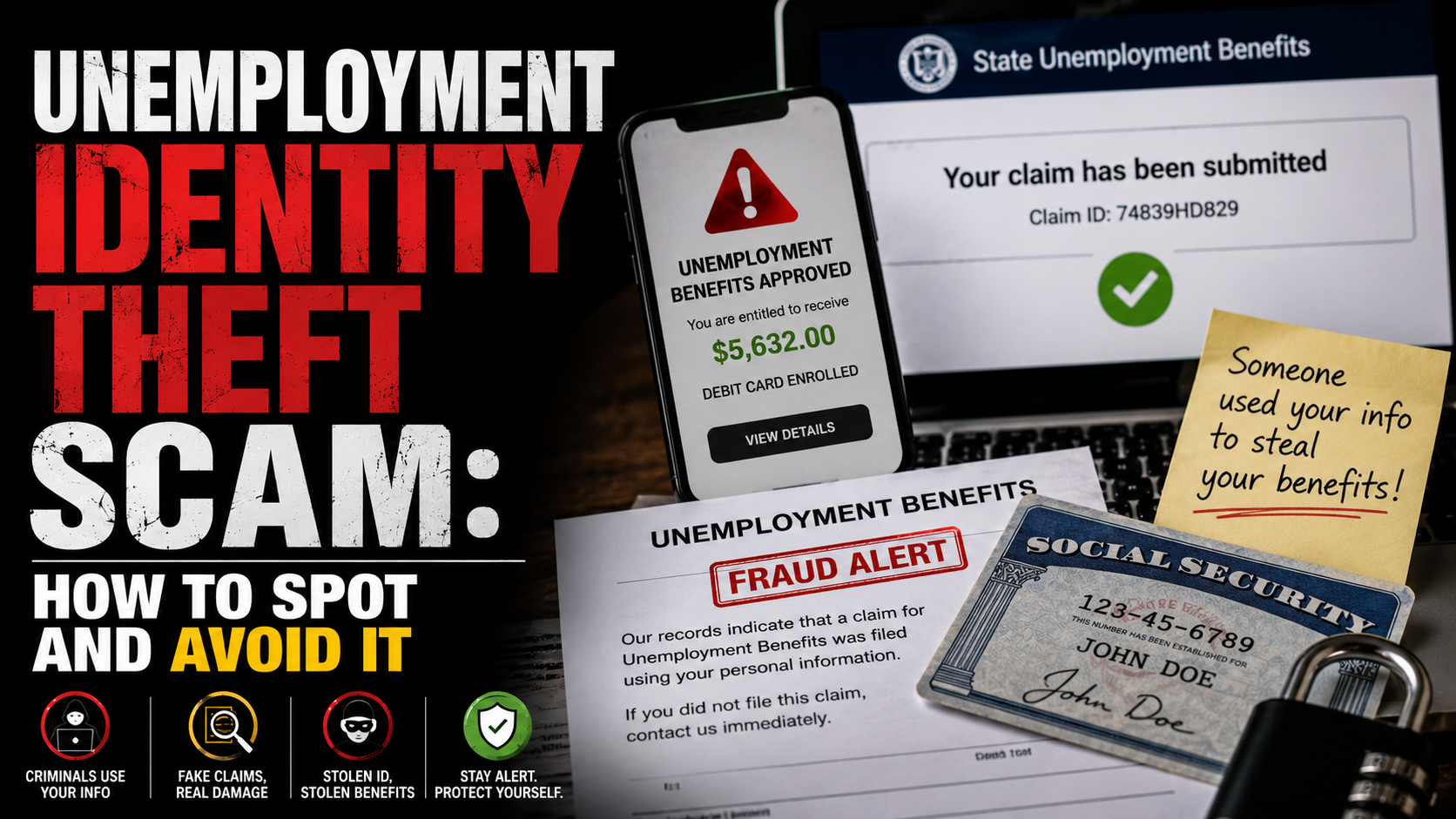
If personal information — date of birth, National Insurance or Social Security number, address, passport details — was shared with criminals, place a fraud alert with the credit bureaus. In the US: Equifax, Experian, TransUnion. In the UK: consider Cifas Protective Registration, which flags your identity as being at risk of fraud to lenders and other organisations.
Monitor your credit file actively for the following months. Online security after an identity exposure is an ongoing process rather than a single action — new fraudulent accounts may not appear immediately.
Where to Report It
Reporting cyber attacks helps authorities track criminal operations, take down phishing infrastructure, and protect future victims. Use all relevant channels for your jurisdiction.
Frequently Asked Questions
Think Your Online Security Has Been Compromised?
Act fast — change affected passwords, contact your bank if needed, then report it through official channels.