
Phishing Scam Warning Signs: How to Spot and Avoid It
Phishing is the engine behind almost every modern fraud — from bank impersonation to fake delivery texts to corporate email compromise. These are the phishing scam warning signs every consumer must know, and the rules that defeat them every time.
⚡ Quick Summary — Phishing Scam Warning Signs
- What they are: the phishing scam warning signs are the specific red flags that identify a fraudulent message, call, or website designed to steal credentials, money, or personal data
- Why they matter: phishing is the entry point for the majority of online fraud — once credentials are captured, every downstream attack becomes possible
- The biggest three: unexpected contact, manufactured urgency, and a link or attachment you were not expecting
- How they reach you: email (phishing), text message (smishing), phone calls (vishing), QR codes (quishing), social media DMs, and fake websites that mirror the real ones
- The golden rule: never act on a link or attachment in an unexpected message — open the real app or type the website yourself
⚠️ Already Clicked or Entered Details?
Do not wait. Change the password on the affected account immediately from a known-safe device. If banking or card details were entered, call your bank using the number on the back of your card. Then jump to the What to Do If You Have Been Targeted section below.
📋 Table of Contents
What Is a Phishing Scam
A phishing scam is any fraud in which a criminal pretends to be a trusted person, company, or institution to trick the victim into revealing sensitive information or sending money. The phishing scam warning signs are the specific indicators that distinguish a fraudulent communication from a genuine one.
Recognising these signs is the single most effective defence against the largest category of online crime in the world. Every other piece of advice — strong passwords, software updates, antivirus — only matters if the phishing scam is stopped at the warning-signs stage first.
The phishing scam is not a single trick but a whole family of frauds that share the same architecture. The criminal sends a message that appears to come from a trusted source — a bank, a delivery company, a government agency, an employer, an online retailer.
The message uses urgency, fear, or curiosity to push the victim into clicking a link, opening an attachment, calling a number, or replying with sensitive details. Every successful phishing scam relies on the victim acting before pausing to verify.
The phishing scam has become harder to identify in 2026. Fake websites now use legitimate-looking domains and valid HTTPS certificates. Email spoofing places fraudulent messages directly into branded threads. Text messages arrive from sender IDs that match the real organisation. AI tools generate convincing copy in any language with no spelling mistakes.
Despite all of this, the core phishing scam warning signs remain consistent — and recognising them is still entirely possible for any informed consumer. The same impersonation playbook drives our imposter scam warning signs and powers specific variants like the bank impersonation phone scam.
How Phishing Scams Work, Step by Step
Almost every phishing scam follows the same six-stage pattern. Recognising the structure makes the individual phishing scam warning signs easier to spot in the moment.
Step 1: Choosing a Trusted Identity to Impersonate
Every phishing scam begins with the criminal selecting an organisation or individual to impersonate. The chosen identity carries enough authority, familiarity, or emotional weight to cause the target to comply.
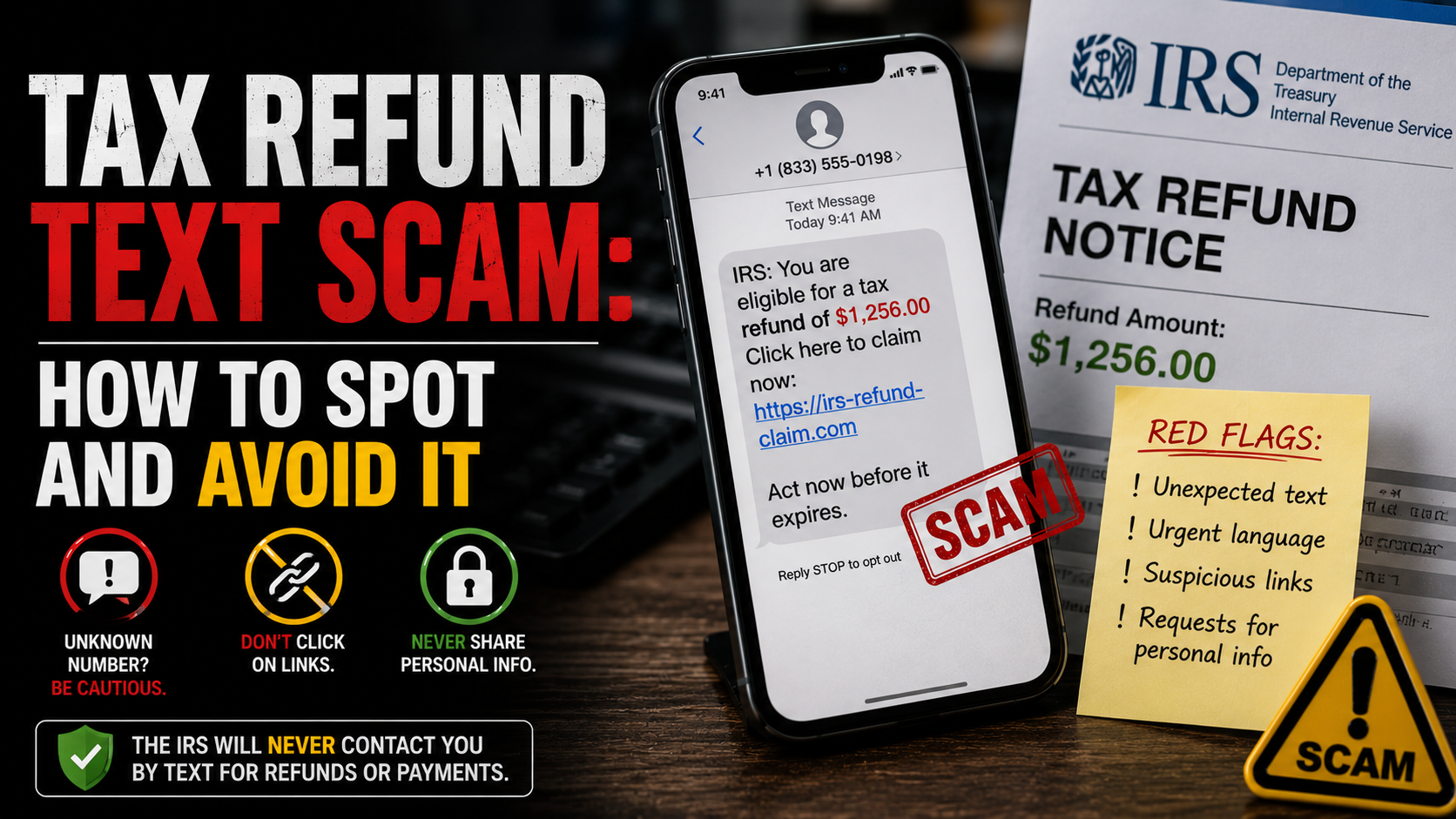
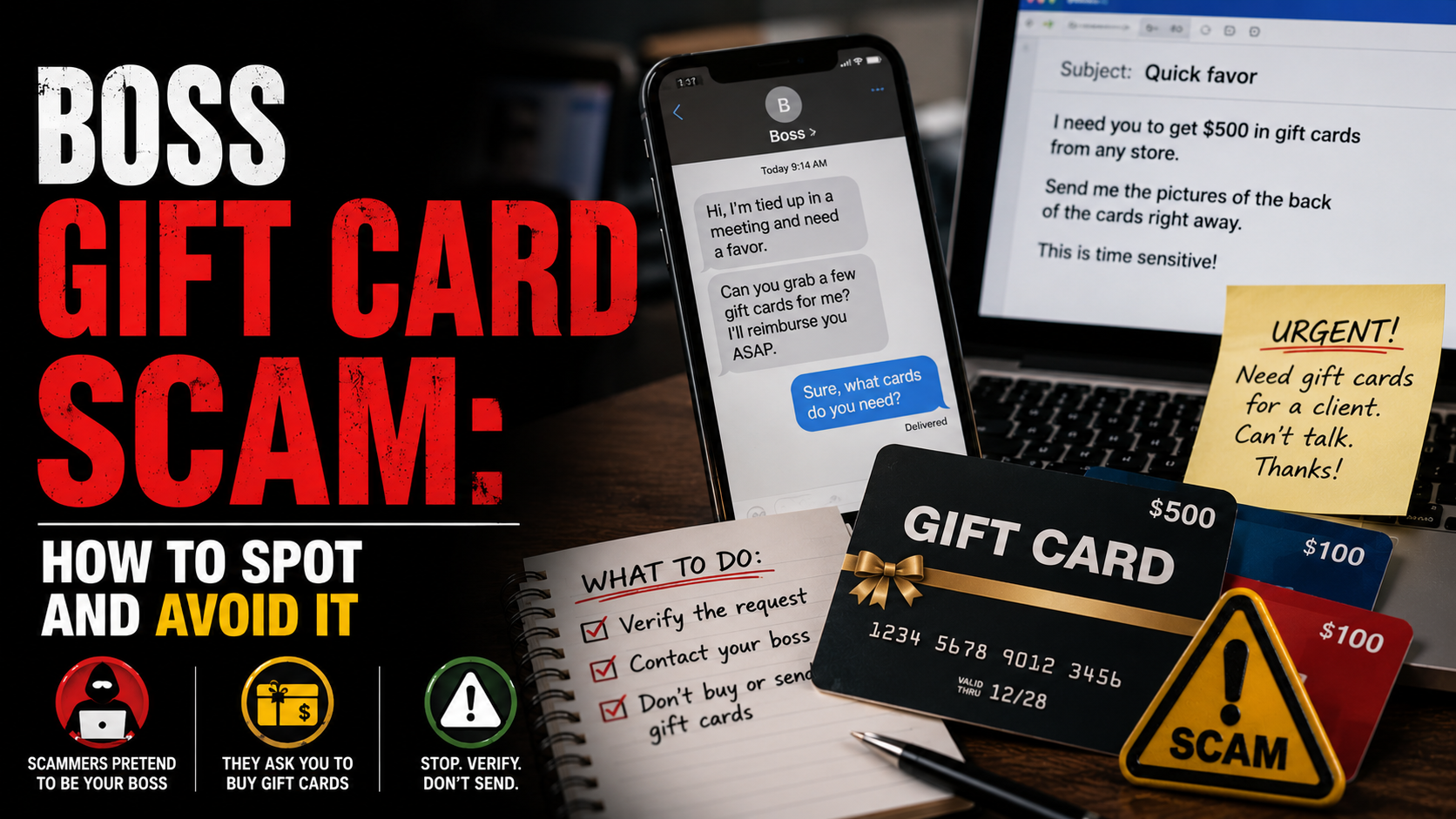
The most commonly impersonated identities include banks and payment services such as PayPal and major high-street banks; delivery and logistics companies such as Royal Mail, USPS, FedEx, and DHL; government agencies such as the IRS, HMRC, and Social Security Administration; and major brands such as Amazon, Microsoft, Apple, and Netflix. Personal contacts — colleagues, IT departments, family members — are impersonated too.
The identity is chosen to fit the channel and the moment. A delivery text lands while you are expecting a parcel. A bank email arrives during business hours. A tax-agency message arrives during filing season.
Step 2: Crafting and Sending the Bait
The phishing scam then composes a message designed to mimic genuine communication from that organisation. The branding, logos, layout, sender name, and tone all match.
The message is delivered through whichever channel is most effective — email for phishing, SMS for smishing, phone calls for vishing, QR codes for quishing, social media DMs, and even encrypted messaging apps.
In bulk phishing, the same message reaches millions of inboxes at once. In spear phishing, the message is researched and personalised to a specific target. Either way, the message is unsolicited — the victim was not expecting it — and that single fact is the first of the phishing scam warning signs.
Step 3: Manufacturing Urgency, Fear, or Curiosity
With the bait in front of the victim, the phishing scam works to override critical thinking. Urgency is the most common lever: an account will be closed within hours, a payment has failed and must be reauthorised today, a parcel will be returned to sender if a fee is not paid.
Fear, authority, and curiosity are deployed alongside urgency — threats of legal action, claims of an unauthorised purchase, the promise of a refund, the lure of an unexpected prize. This manufactured emotional state is what prevents the victim from pausing to check independently.
Step 4: Driving the Click or the Call
Every phishing scam needs the victim to take one specific action — click a link, open an attachment, call a phone number, scan a QR code, or reply with information. The message is engineered around making that action feel like the natural, obvious, urgent response.
The link leads to a convincing replica of the genuine login page. The attachment carries malware. The phone number connects to a fake call centre staffed by the same criminal network. Once the victim takes the action, the phishing scam moves from message to extraction.
Step 5: Capturing Credentials or Payment
On the fake page, the victim enters their username, password, banking credentials, card number, OTP, or personal identification details. They believe they are logging in or verifying their identity with the real organisation.
In real time, the criminal captures every keystroke and immediately tests the credentials on the genuine site. If the account uses two-factor authentication, the fake page asks for the second-factor code and the criminal enters it on the real site before it expires — the adversary-in-the-middle attack that defeats most basic 2FA.
By the time the victim notices anything is wrong, the account has already been emptied, the payment has already been processed, or the malware has already established a foothold on the device.
Step 6: Monetising and Disappearing
After credential capture, the phishing scam monetises the stolen data through whichever route applies — draining bank accounts, making fraudulent card purchases, selling credentials on criminal marketplaces, or opening new lines of credit in the victim’s name.
The fake website is rotated to a new domain. The sender address is discarded. The criminal moves on to the next target. By the time anyone identifies the operation, the infrastructure has already vanished — and that constant reinvention is one of the reasons the phishing scam remains the most prevalent fraud in the world.
The 10 Phishing Scam Warning Signs
🚩 The 10 Phishing Scam Warning Signs
- 1. The message arrived unexpectedly. The most fundamental of all phishing scam warning signs. Every phishing scam begins with an unsolicited message — a bank alert you were not expecting, a delivery notice for a parcel you did not order, a password reset you did not request. Genuine organisations rarely initiate contact with an urgent request to click a link.
- 2. It creates immediate urgency or fear. “Act within 24 hours or your account will be closed.” “Confirm your identity now or face legal action.” Urgency is the engine of every phishing scam. Genuine institutions operate calmly and give you reasonable time to respond through your usual channels.
- 3. The link does not lead where it claims. Hover over the link on desktop, or long-press on mobile, to see the real destination. A phishing scam link often uses a lookalike domain (amaz0n-security.com, app1e-support.net), a free hosting subdomain, or a long URL with the real brand name buried in the middle.
- 4. The sender address is wrong. A phishing email may say it is from “Your Bank” but actually come from a public webmail address or an unrelated domain. Always check the full sender address, not just the display name. Even a single character out of place is a definitive phishing scam warning sign.
- 5. It asks for credentials, codes, or sensitive information. No genuine bank, retailer, or government agency will ever ask you to enter your full password, your one-time code, your PIN, or your full card details by clicking a link in an unexpected message. Any such request is a phishing scam.
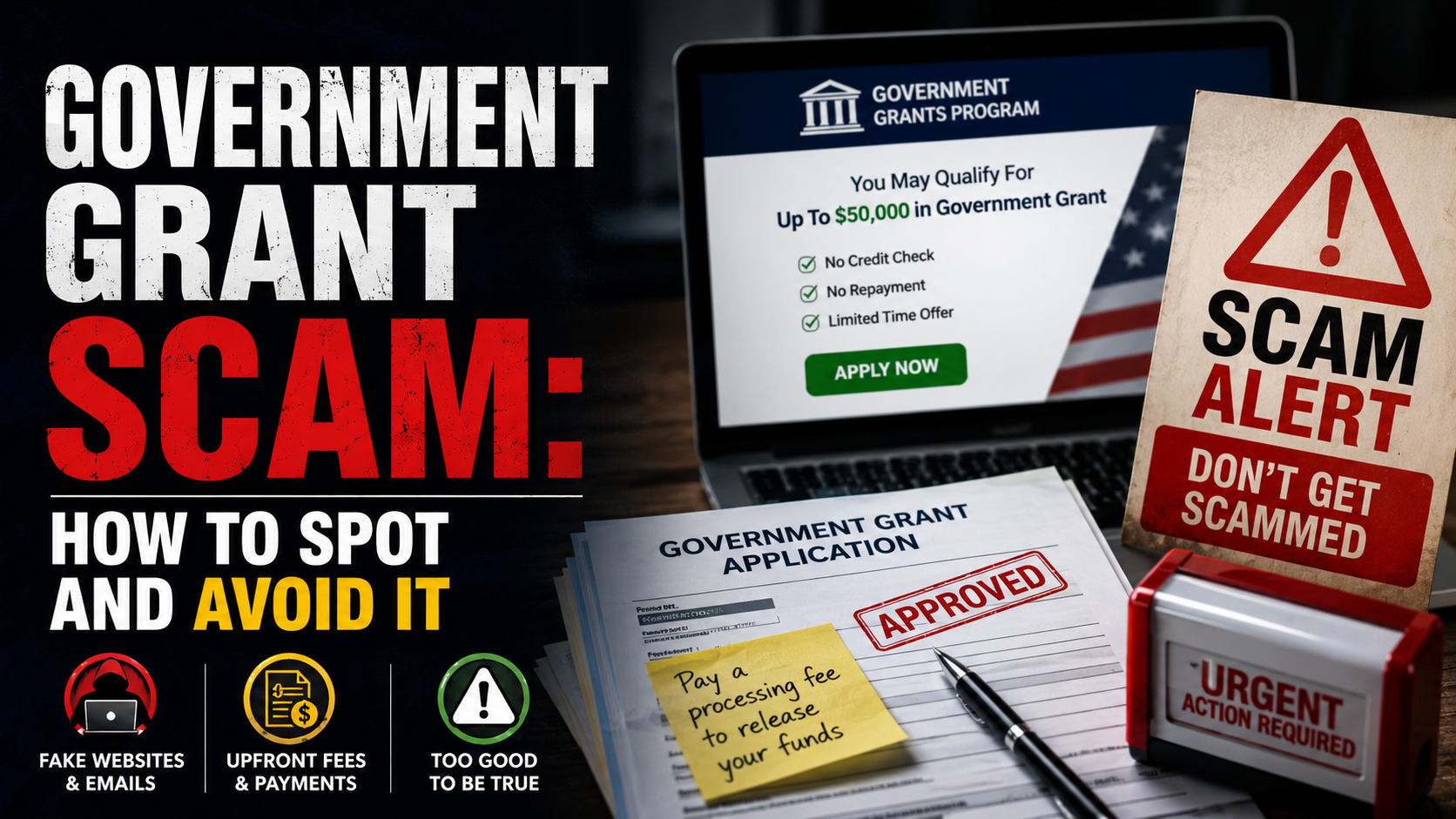
- 6. It demands a small fee, deposit, or “release payment.” Many phishing scams demand a tiny payment — a redelivery fee, a customs charge, a tax adjustment — to lower suspicion. Once card details are entered, the small fee is a cover for capturing the card data, which is then used for much larger fraudulent purchases.
- 7. The message contains an unexpected attachment. Invoices you did not order, receipts for purchases you never made, ZIP files, and macro-enabled Office documents are classic phishing scam carriers. The attachment is the malware, or it links to one. Never open attachments from unexpected messages.
- 8. The grammar, tone, or branding is slightly off. Despite AI improvements, many phishing scams still contain subtle errors — odd phrasings, regional spelling that does not match the brand’s country, generic greetings such as “Dear Customer,” logos at the wrong resolution. Trust your instinct when a message feels wrong.
- 9. You are told not to verify through normal channels. A phishing scam may instruct you not to call your bank, not to check with anyone, or to use only the link or number in the message. Genuine organisations always encourage independent verification — the moment a message discourages it, it is a clear phishing scam warning sign.
- 10. The story does not survive a pause. Phishing scams create emotional pressure to prevent you from pausing to think. When you do pause: your bank would not text a link to “verify” your account; a delivery firm would not threaten to return your parcel over a £1.99 fee. If the scenario would never happen in real life, trust that instinct.
Phishing Scam Variants
5 VariantsPhishing is not a single scam but a family of variants — each shows the same core phishing scam warning signs in a different costume. These are the five most common.
Email Phishing
The classic phishing scamSmishing (SMS Phishing)
The fastest-growing phishing scamVishing (Voice Phishing)
The phone-call phishing scamQuishing (QR Code Phishing)
The QR phishing scamSpear Phishing & BEC
The targeted phishing scamReal Stories: When the Signs Were Missed
The Customer and the Fake Bank Fraud Text
A woman in her late thirties received a text message that appeared to come from her bank. It warned of suspicious activity on her debit card and asked her to confirm her identity through the included link.
The text dropped into the same SMS thread as genuine bank alerts because the criminal had spoofed the sender ID. The page she landed on was a near-perfect replica of her bank’s login screen. She entered her username, her password, and the one-time code that arrived seconds later.
Within minutes, the criminal logged into her real account and transferred over £6,400 to a mule account before any block could be applied. Every one of the phishing scam warning signs had been present, but the matching sender ID had suppressed every instinct until she opened her real banking app and saw the unauthorised transactions.
The Shopper and the Missed Delivery Notice
A man in his forties was expecting an online order when a text arrived saying the parcel could not be delivered because of an unpaid customs charge of £2.99. The text included a link to pay it.
The timing was perfect — he was genuinely expecting a delivery — and the small amount lowered every suspicion. He clicked the link, entered his card details, and approved the small charge.
The fee never appeared on his statement. The same evening, his card was used for £1,840 in fraudulent purchases on overseas retailers. The small fee had only ever been bait for capturing the card data, and the phishing scam warning signs had all been visible but were drowned out by the perfectly timed context.
The Employee and the IT Department Email
A junior employee at a mid-sized company received an email that appeared to come from the internal IT department. It warned that suspicious activity had been detected on staff accounts and that everyone needed to verify their credentials before end of day.
The email used the company’s branding, mentioned a real IT staff member by name, and linked to what looked like the company’s single sign-on page. The employee entered her work credentials.
The criminal logged in immediately and used her mailbox to send the same phishing email to the rest of the company — this time with internal-thread credibility. Within twenty-four hours, six accounts had been compromised, and the criminal had used one of them to initiate a fraudulent £140,000 supplier payment.
What Authorities Say
Consumer protection and cybersecurity authorities around the world identify phishing as the single most prevalent online fraud — and they say the same thing about the phishing scam warning signs every consumer should know.
The Federal Trade Commission in the US describes phishing as fraud in which criminals impersonate a trusted source to steal personal information. Its guidance is consistent: never click links or enter information in response to unexpected messages, always verify by contacting the organisation through a number or website you know is real, and forward suspicious texts to 7726 (SPAM).
Report phishing at reportfraud.ftc.gov and review the FTC’s recognise-and-avoid guide at consumer.ftc.gov.
The UK National Cyber Security Centre operates the Suspicious Email Reporting Service — forwarding any suspicious email to report@phishing.gov.uk allows the NCSC to take down fraudulent infrastructure, with millions of reports already actioned. Suspicious texts should be forwarded to 7726.
Action Fraud is the UK’s national fraud reporting body and accepts phishing reports at actionfraud.police.uk or by phone on 0300 123 2040.
The Anti-Phishing Working Group accepts forwarded phishing emails at reportphishing@apwg.org, and CISA in the US maintains additional reporting channels for incidents with a broader cybersecurity dimension at cisa.gov.
How to Protect Yourself
Pause Before You Click — Always
The single most effective protection against phishing scams is pausing before acting on any unexpected message. Phishing is engineered to prevent that pause — urgency, fear, and authority are deliberately manufactured to move you from message to click without reflection.
Recognising the urgency itself as one of the phishing scam warning signs is what creates the mental space to apply every other protection. Stop. Breathe. A genuine bank, a real delivery firm, or a legitimate employer will not lose anything if you take two minutes to verify through official channels.
Always Go Direct — Never Use the Link in the Message
Whatever the message claims, do not use the link, button, or phone number it provides. Open the organisation’s official app. Type the known website address into your browser yourself. Call the number printed on your bank card or on a recent paper statement.
This single habit defeats almost every phishing scam regardless of how convincing the message is — because the entire scam depends on you using the link they provided, not one you sourced yourself.
Use Unique Passwords and a Password Manager
If you reuse passwords, a single successful phishing scam unlocks every account that shares it. Use a unique, strong password for every important account — banking, email, shopping, cloud storage, social media — and store them in a reputable password manager.
A password manager has an additional anti-phishing benefit: it will refuse to autofill credentials on a fake domain, so a lookalike phishing page that fools your eye will not fool the manager.
Turn On Phishing-Resistant Multi-Factor Authentication
Enable multi-factor authentication on every account that offers it — particularly email, banking, and any account that controls password resets elsewhere. Where possible, prefer phishing-resistant methods such as hardware security keys (FIDO2 / WebAuthn) or platform passkeys over SMS-based codes.
SMS codes can be intercepted by adversary-in-the-middle phishing pages. Never give a verification code to anyone who has contacted you unexpectedly — a genuine support team will never ask for your code.
Inspect Sender Addresses and URLs Carefully
Train yourself to look at the full sender email address, not just the display name. Hover over links on desktop, or long-press on mobile, to preview the real destination.
A phishing scam often relies on a one-character substitution, a misplaced hyphen, or a brand name buried inside an unrelated domain. The visible link text and display name can say anything — only the real address and the real URL matter.
Keep Devices, Apps, and Browsers Updated
Security updates close the vulnerabilities that phishing-delivered malware exploits. Update your phone and laptop operating systems promptly, keep browsers current, and run reputable security software. A device that is fully patched is dramatically less likely to be compromised even if a phishing link is opened by accident.
Talk About Phishing With the People You Care About
Older adults, teenagers, busy professionals, and small-business owners are all heavily targeted by phishing scams. Share this guide. Talk through what the messages look like in 2026.
Make sure the people in your life know the phishing scam warning signs before they receive the message, not after — knowing the warning signs in advance is the single biggest factor in resisting them.
What to Do If You Have Been Targeted
If you recognise the phishing scam warning signs after the fact — or you have already clicked, entered details, or shared a code — act quickly. The steps below give you the best chance of limiting the damage.
Change the compromised password immediately
From a known-safe device, log in to the affected account through the official app or website (not via any link in the suspicious message) and change the password.
If you reused the same password anywhere else, change those too — start with email, then banking, then any account that controls password resets elsewhere. Your email account is the most important because it is usually the recovery point for everything else.
Contact your bank or card provider
If you entered banking credentials, card details, or shared a one-time code, call your bank immediately using the number on the back of your card. Report what happened, ask them to block the card or freeze the account, and request a chargeback for any fraudulent transactions.
Speed matters — the first hour gives the best chance of recall on bank transfers, and 48 hours is roughly the window for most card chargebacks.
Revoke active sessions and reset MFA
In the affected account’s security settings, review active sessions, sign out all other devices, and remove any unfamiliar trusted devices. If multi-factor authentication was enabled, reset it; if it was not, enable it now — preferably with a hardware key or authenticator app rather than SMS. This severs any access the criminal may still hold even after the password change.
Scan the device and watch for identity theft
If you opened an attachment or downloaded anything from the phishing site, run a full malware scan with reputable security software and apply any pending OS updates.
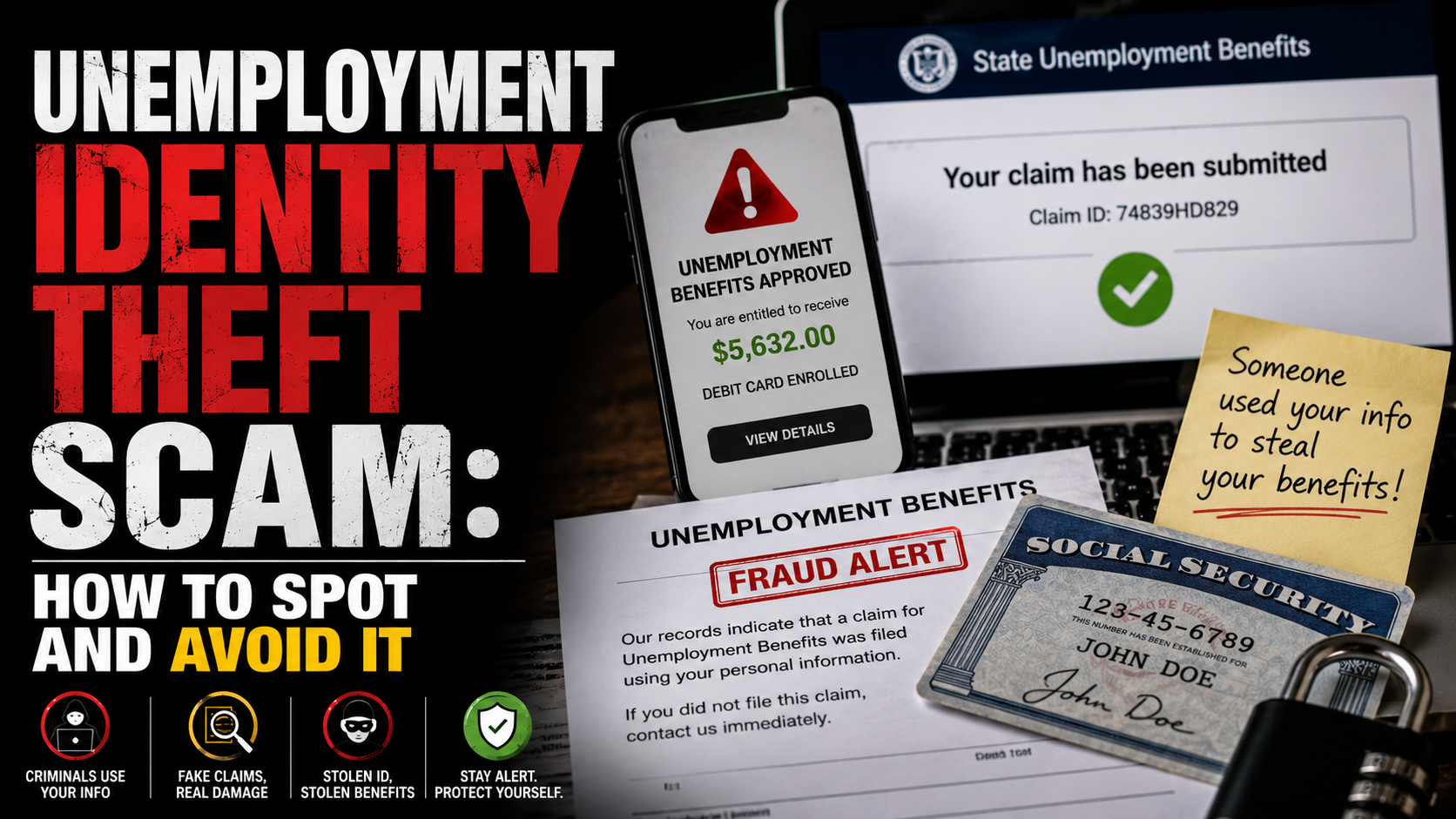
If you shared identity information — Social Security number, National Insurance number, date of birth, address, or copies of identity documents — monitor your credit report for new accounts and place a fraud alert with the credit bureaus. US victims can use IdentityTheft.gov for a tailored recovery plan.
Report it to the right authority
Reporting the phishing scam helps authorities take down infrastructure and protect the next victim. Forward suspicious emails to reportphishing@apwg.org and (in the UK) report@phishing.gov.uk. Forward suspicious texts to 7726.
Report the incident to the FTC at reportfraud.ftc.gov (US) or Action Fraud at actionfraud.police.uk (UK). If a work account was involved, notify your IT team immediately — a compromised work account can be used to target colleagues within hours.
Where to Report It
Reporting phishing helps authorities take down fraudulent sites, prosecute criminal networks, and warn other consumers. Use the channels that match your country and situation.
Frequently Asked Questions
Think You have Been Scammed?
Act fast — change the compromised password, contact your bank, then report it through the official channels.

One response to “Phishing Scam Warning Signs: How to Spot and Avoid It”
[…] promise. Pressure to act fast. A fee required before any payout. The same playbook drives our phishing scam guide, the investment frauds deep-dive, and the romance scams guide that explains how emotional […]